Vet Before You Trust: How to Tell if a Company Will Look After You
By MediaZillaUpdated
Free migration offer
Move your Vimeo On Demand library to MediaZilla in 14 days, or we pay you $1,000.
Vimeo On Demand shut down on November 20. Here is what Michael, MediaZilla's co-founder, checks before a business depends on any vendor, including an AI prompt that does most of the work and the 40 cents a day math.
Vimeo On Demand shut down on November 20. The company gave customers a heads up a few months earlier. But I want to talk about what this means, and what it tells us about doing business with any company.
This post is adapted from a short talk I gave. I'm Michael, one of the co-founders of MediaZilla. Here's what I'd check before your business depends on anyone.
Vimeo On Demand Shut Down on November 20
You may have seen the news. Vimeo On Demand closed for good on November 20. Customers were warned a few months before, in August.
I don't want to rehash the shutdown. We've written about what happens next already. What I want to talk through is the bigger question: what does it mean to do business with a company, and what should you consider before you do?
The Question: Will They Look After You?
Here's the question I keep coming back to. How can you tell whether a company will look after you when something goes wrong, and before your business depends on it?
There's a lot you can check up front. More than you'll find on a pricing page or in the terms of service. You can learn how credible they are, and how reputable. I'm going to give you the high-level version now, and I'll record a video that walks through a real example.
It matters most when you're about to put your reputation on the line. When the goodwill and success of your business will sit in another company's hands.
Don't Pick on Price Alone
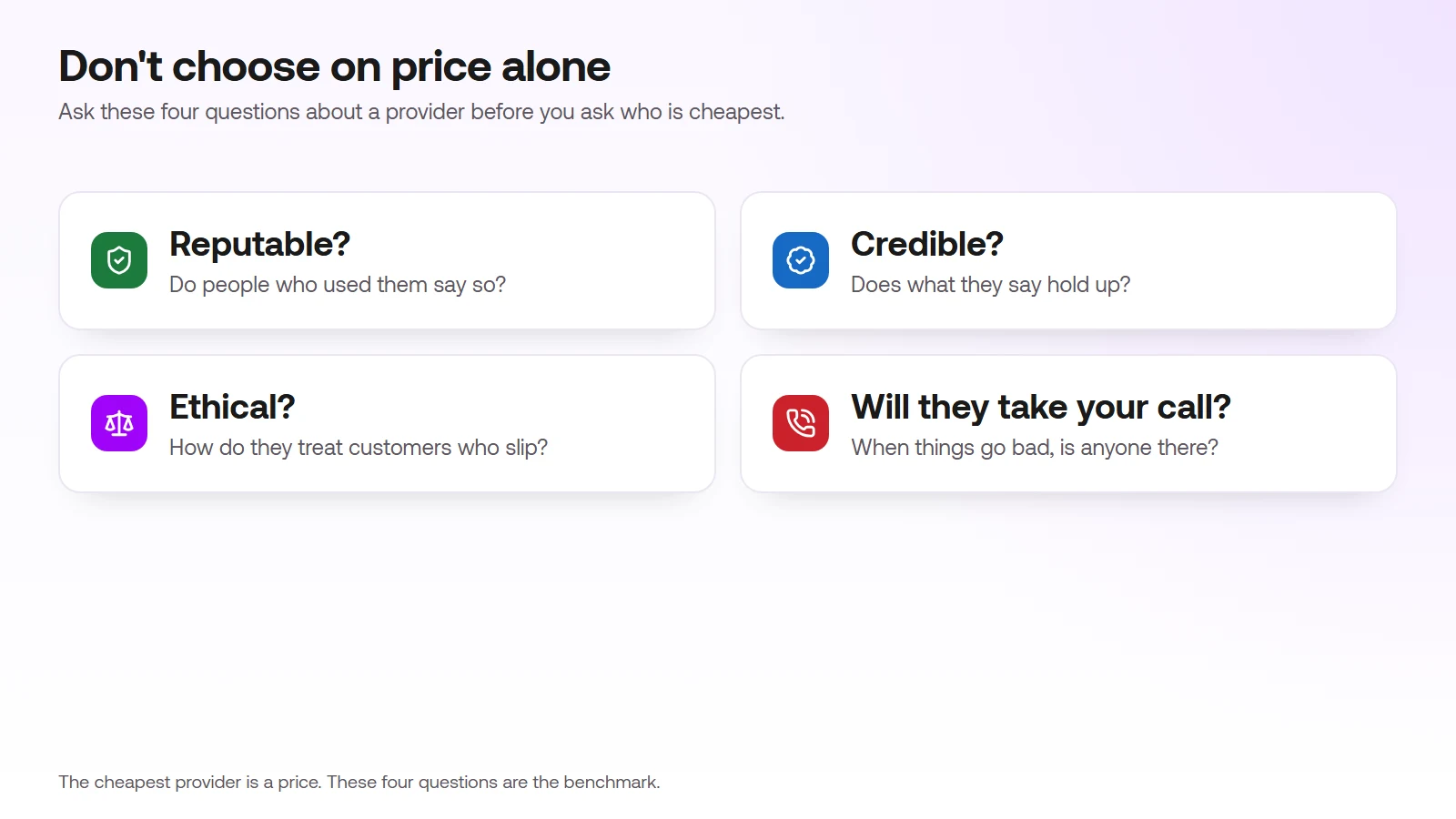
The lowest-cost provider shouldn't be your benchmark. More often than not, it shouldn't be. When you ask "who's cheapest?" you turn the whole thing into a commodity.
And I want to be clear. I'm not talking about MediaZilla here. I don't care whether you use us. This is more of a public service announcement.
Ask these instead:
- Are you working with people who are reputable?
- Are they credible?
- Are they ethical?
- Will they take your call when things go bad, or when you have a problem?
If the answer to any of those is no, think hard about who you're doing business with, and why.
Because you don't want to find out a month from now, a year from now, or five years from now that the company you picked is highly unethical. That it doesn't care about your business or have your best interests at heart. And that it was a known quantity from the start. It wasn't hidden. It was public, and you skipped the homework because the price was low, or an influencer recommended them.
How to Vet a Company With AI
Here's what you can do to protect yourself when you're looking at a new vendor. It works for software. It works for a contract you're about to sign. It works for someone you're hiring to work on your house. And it works for the people you already work with.
Open ChatGPT, or Claude, or whatever AI you like. Then write a simple prompt. Something like this:
Copy this prompt
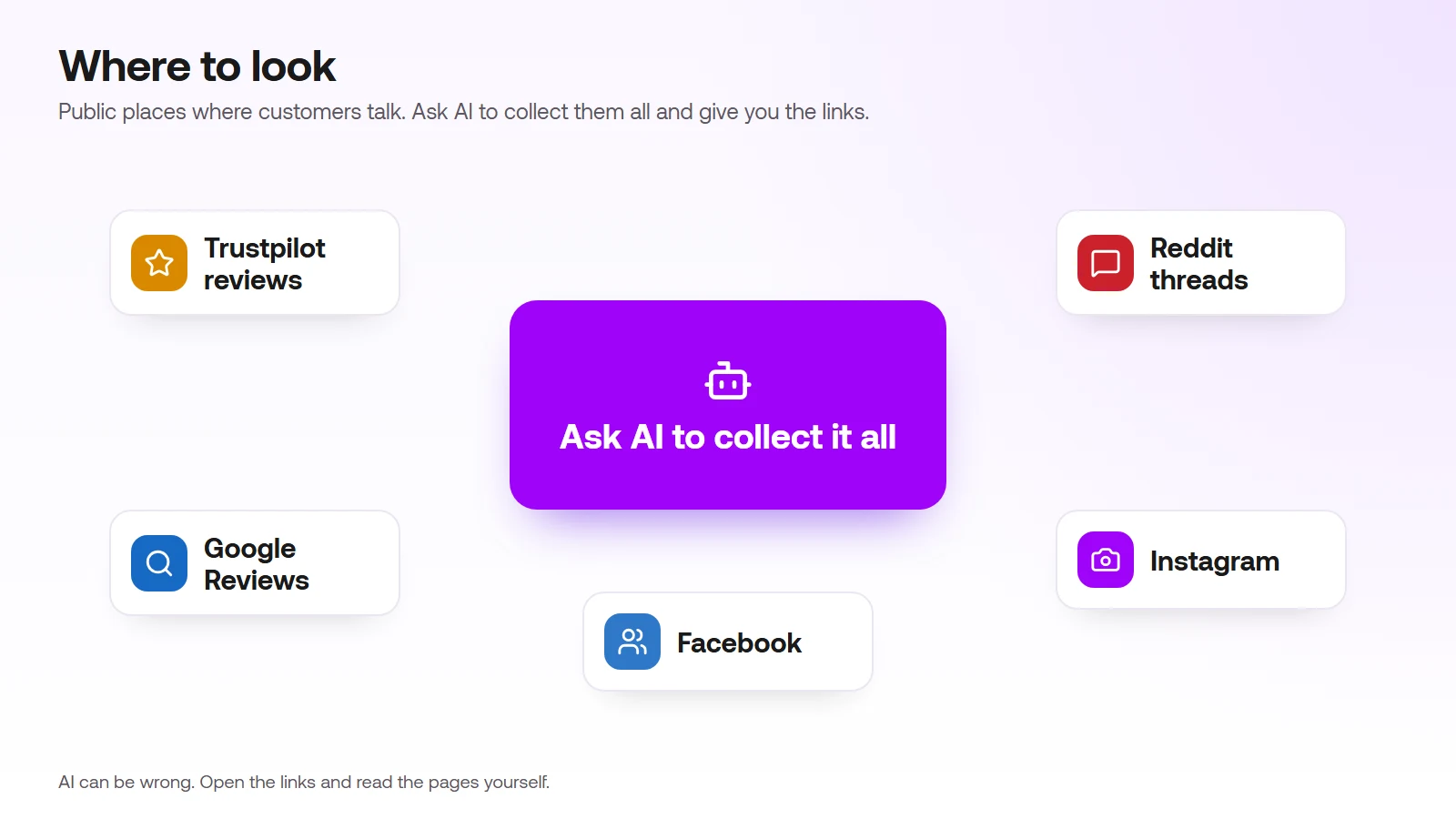
One honest warning. AI can get things wrong. Open the links. Read the pages yourself. A single angry story is just a single story. But a pattern across many places tells you something.
Does the Sales Copy Match Reality?
This is the heart of it. You're lining up the sales copy against reality. Are they congruent?
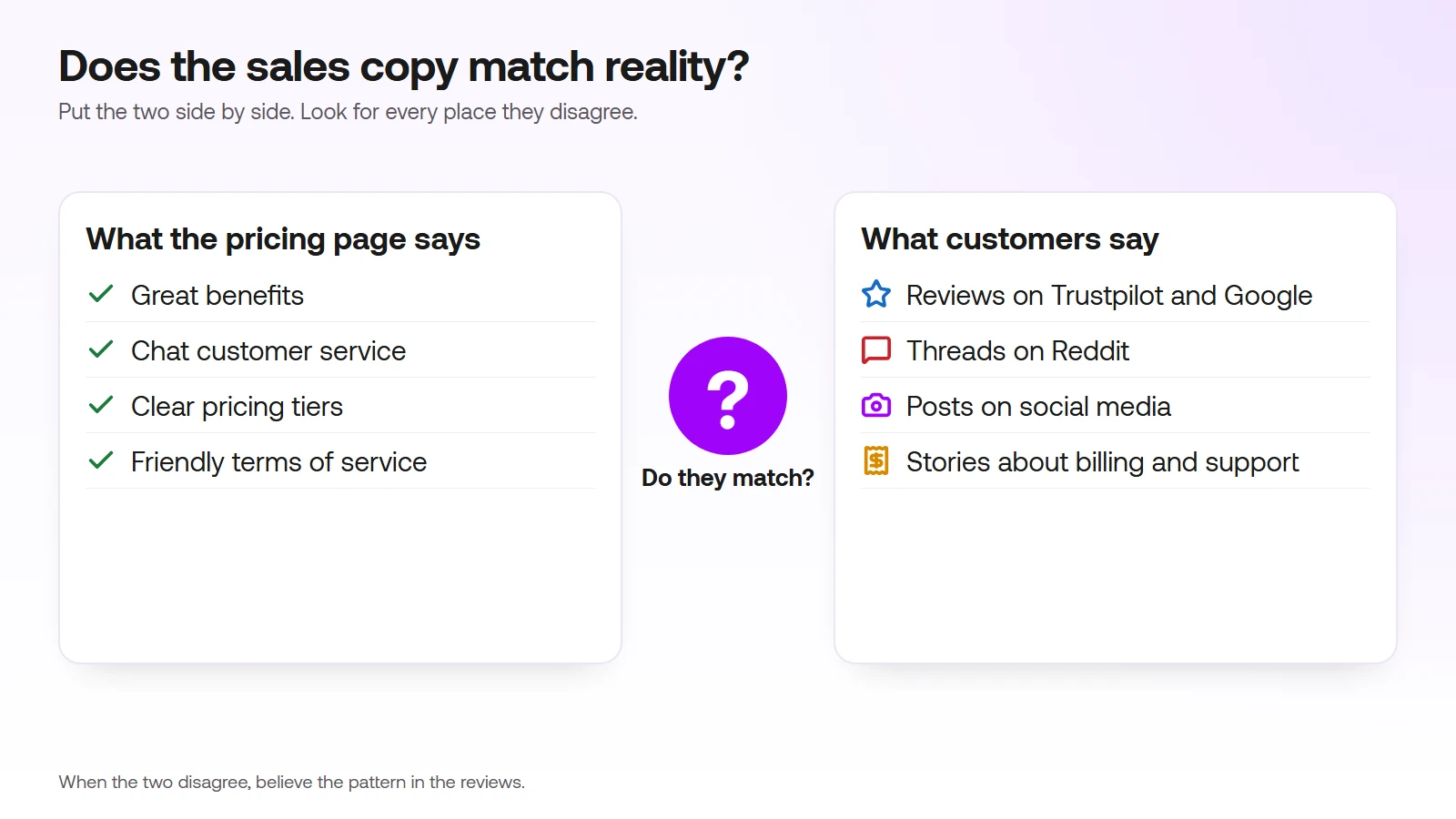
Sometimes the marketing copy, the pricing page, and the terms of service look amazing. Great benefits. Chat support. Clear tiers. And then you find out they treat customers quite poorly. The pricing doesn't hold up when you break a term, or move up a tier.
The thing I'd look for most is how they handle you when you cross a line. Is there a graceful transition? Or is it binary? Once you go over, the hammer drops, and your account is held until you pay.
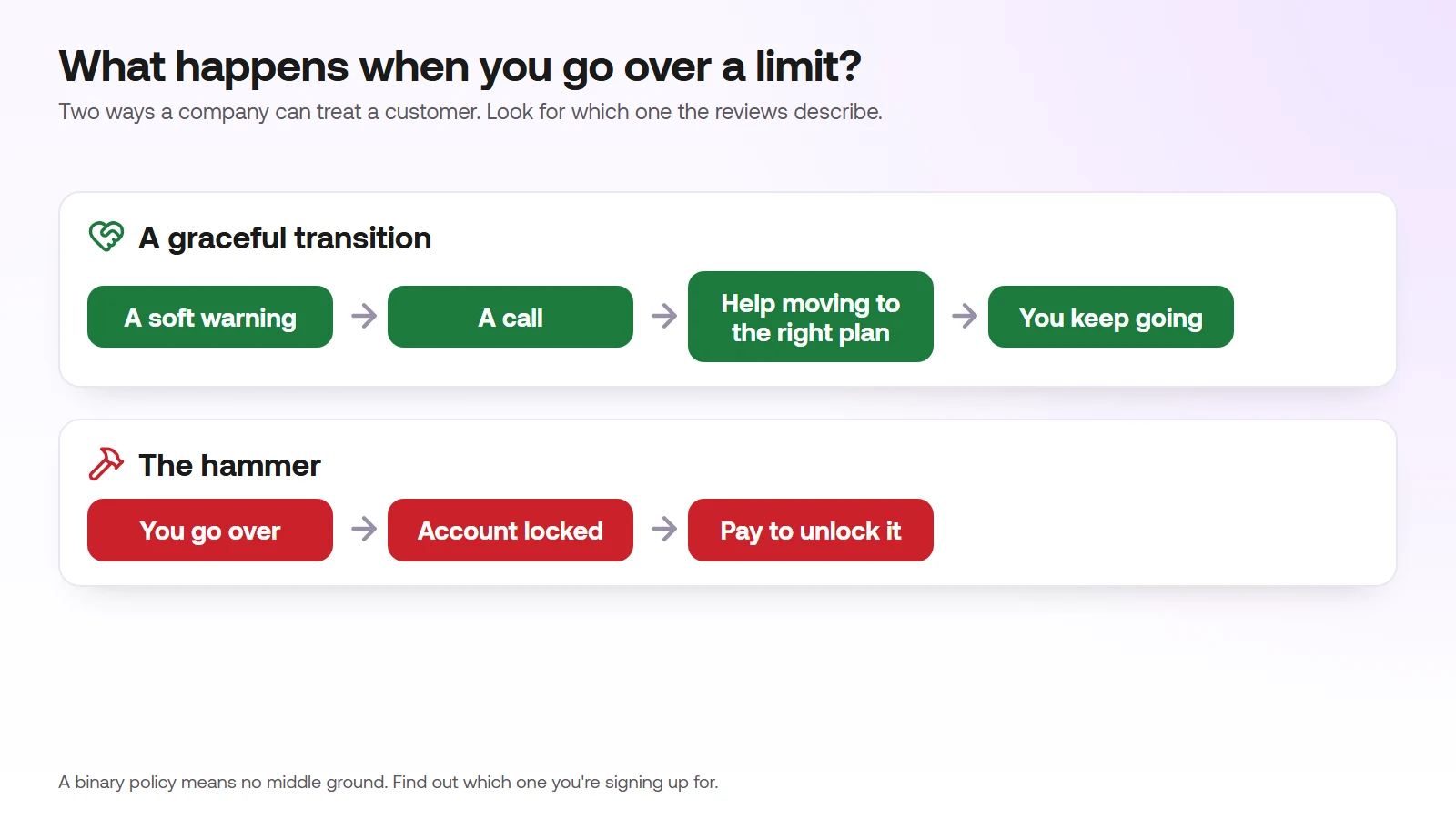
You don't want to be blindsided down the line. Especially when this stuff is a known quantity. If things change, I get it, you might not stay on top of everything. But what's already public, you can find.
A Real Example: $500 a Month, a $5,000 Bill
I just had a call with a potential customer who uses Vimeo. I was giving them a heads up about what we've been hearing from other Vimeo customers. People posting on Reddit. People posting on Trustpilot. This isn't my take. It's what we've been hearing.
He was shocked. He heard that some people are getting bills of $5,000 after paying about $500 for years. The story goes that they went over their 2 TB bandwidth policy, and then the bill came.
To be fair, I haven't seen those bills myself, and I can't verify any single story. So here's what Vimeo itself says. It's on Vimeo's Bandwidth help page, and I'd read it yourself.
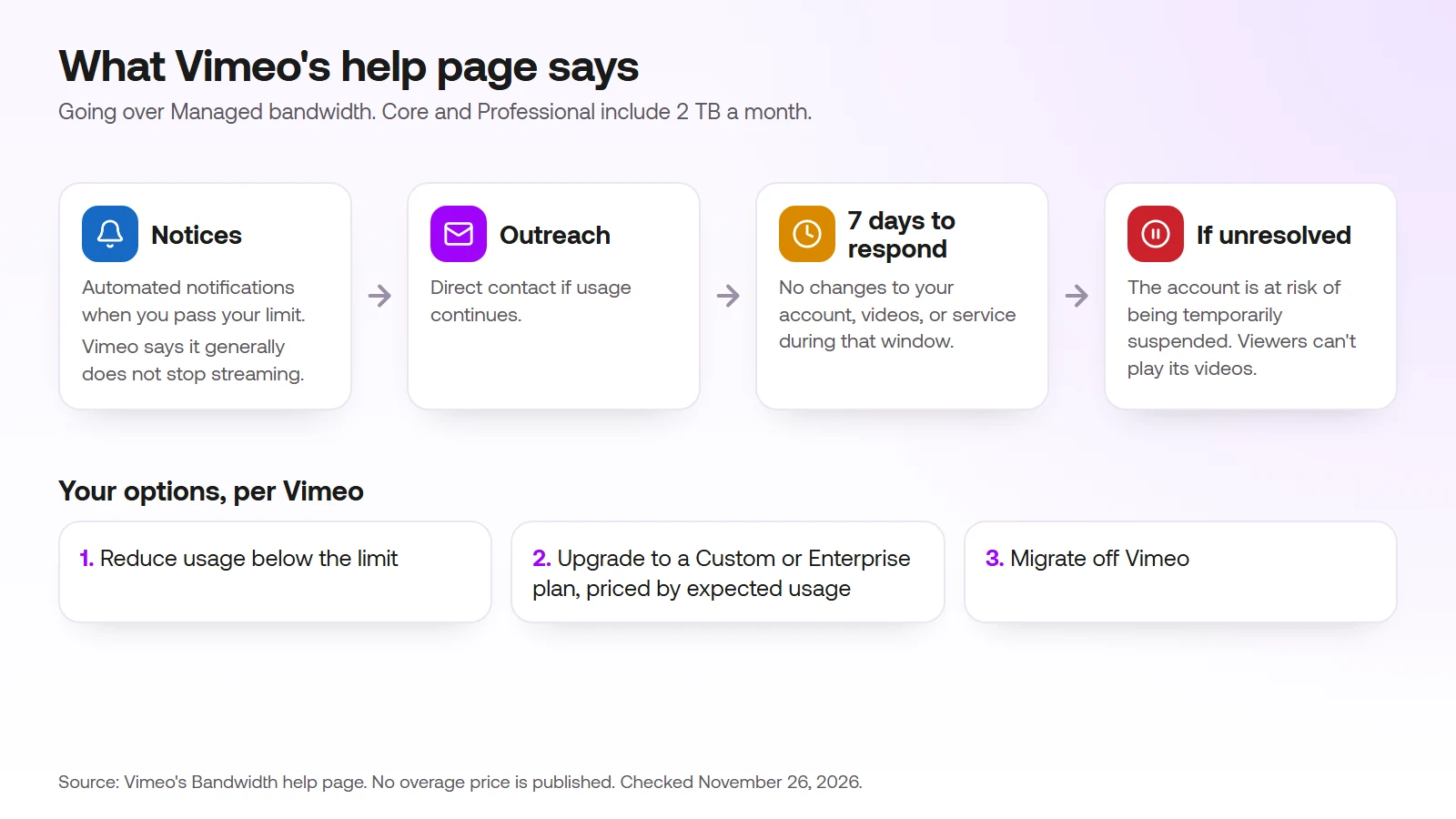
- The limit: Core and Professional include 2 TB a month of Managed bandwidth. Free and Creator include 1 TB a month. Studio includes 36 TB a year.
- The process: Vimeo says it generally does not stop streaming. It sends notices, then reaches out, and expects a response within seven days.
- The risk: If it isn't resolved, the account is at risk of being temporarily suspended, and its videos stop playing for viewers.
- The price: Vimeo doesn't publish an overage price. Custom and Enterprise plans are quoted by its team.
So that's Vimeo's side. What I keep hearing is a different experience: no soft landing, a big number, and an account that feels held hostage until it's paid. That gap between the policy and the stories is exactly what vetting is for. And it's why I'd want a company's bandwidth and overage rules written down before I put client videos behind them.
Vet a Vendor Like a Contractor
Think about how you'd hire a plumber, an electrician, or a roofer. If someone knocks on your door, or a flyer lands in your mailbox, you probably don't hire them on the spot.
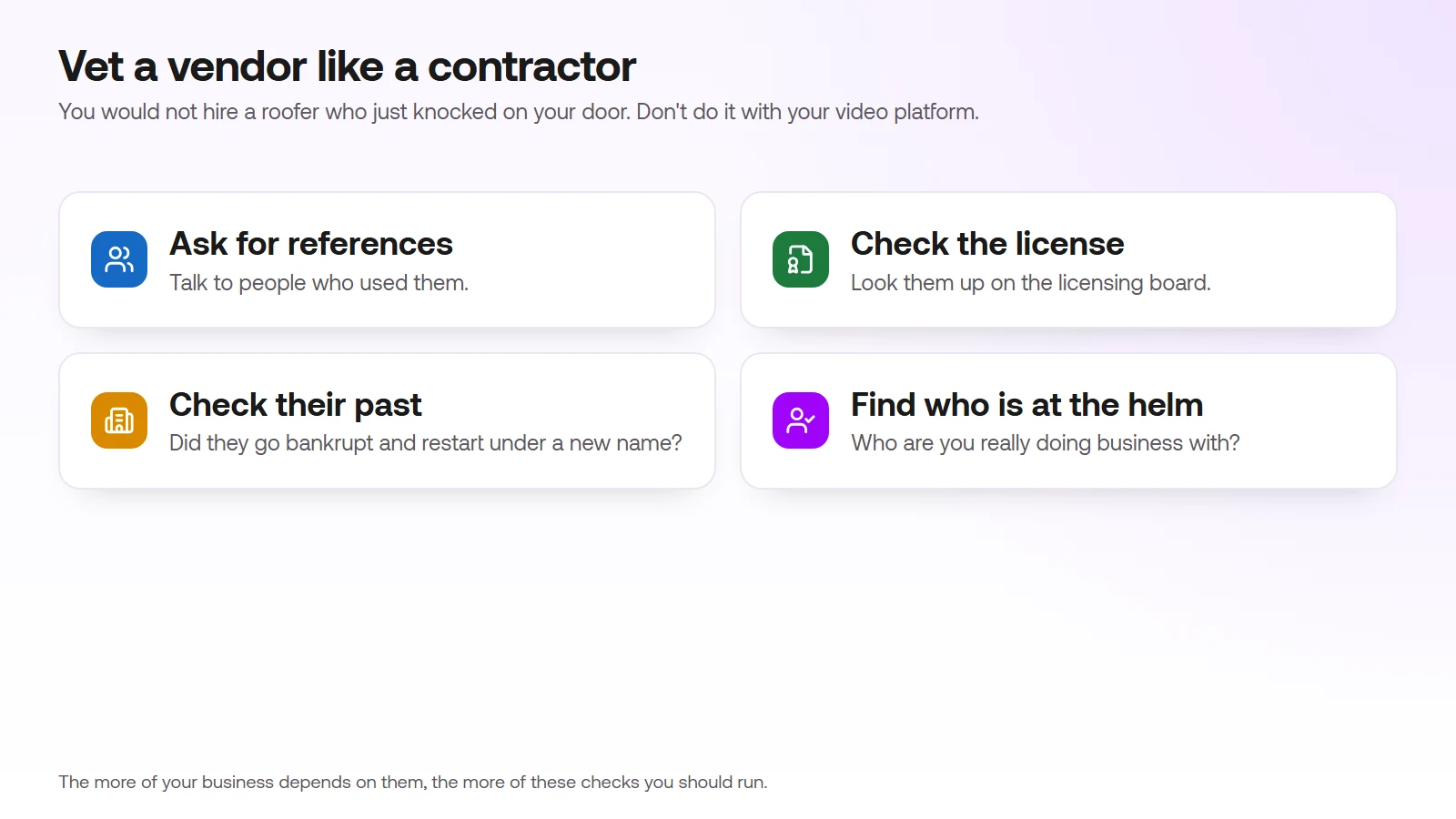
- You'd ask for references.
- You'd look them up on your state's contractor licensing board. Do they even have a license?
- You'd ask whether they ran another company that went bankrupt, then started a new one. Same person at the helm, new name.
- You'd want to know who you're really doing business with.
Do the same for a vendor, especially when your livelihood is at risk. Especially when your reputation is.
The Math: 40 Cents a Day
Saving five bucks, ten bucks, or twenty bucks a month might not be worth risking your whole reputation. Or the work it takes to unwind things later.
Think about it. If you have tons of videos embedded on your website, or tons of videos in your clients' hands, and they go offline, that causes far more trouble than you saved.
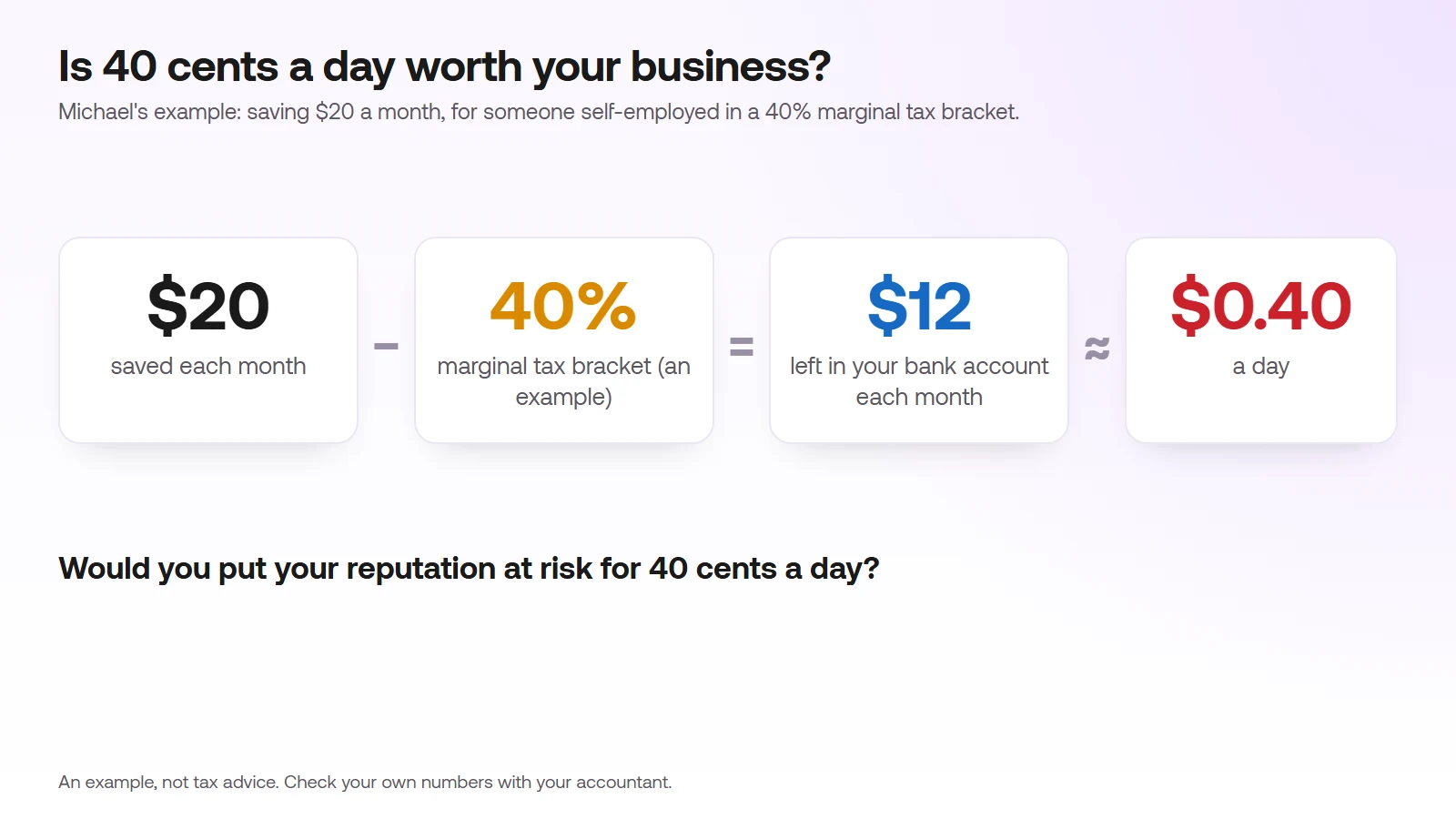
And to bring it home: a lot of people reading this are self-employed. In the US that often means filing a Schedule C, and your marginal tax bracket might be 40%. So if you saved $20 a month, only about $12 really hits your bank account. That's less than 40 cents a day.
It sounds absurd when you say it out loud. But that's the question. Is it worth saving 40 cents a day to put your business at risk? That's an example, not tax advice. Check your own numbers with your accountant.
It's Not Just Vimeo
I know I'm using Vimeo as a case study here. But there are other providers too. I won't name them. I don't want to be rude about it.
There are definitely other vendors in our industry that have had major problems, and those problems are public. People skip the homework, then find out later and say, "I had no idea. Where did this come from?" It was publicly known. A little more due diligence would have flushed it out.
If you still want to move forward after you've looked, that's fine. It's your call. But now there's enough public information, and with AI you can do a huge amount of due diligence. You can really understand who you're up against, and who you're getting into bed with.
Do This This Week
Here's a short list. Pick the vendor you rely on most and run through it.
- Run the prompt above on that vendor. Open every link it gives you.
- Find the rules for going over a limit. Bandwidth, storage, seats. Is there a warning and a grace period? Or does the account lock?
- List where your videos live. Which are embedded on your website? Which are in your clients' hands?
- Keep your originals. Know where the master files are, and how you'd move if you had to.
- Write down your exit. If this company shut a product down tomorrow, what would you do in the first week?
Thanks for reading. I hope this helps. I'm rooting for your success, and I'll share more on this topic.
How Does MediaZilla Solve This?
This post is about vetting vendors, so the fair thing is to put MediaZilla on the table too. Here's how to check us, and what we can and can't promise.
Run the Same Check on Us
Use the prompt above with MediaZilla's name in it. Read our reviews, our pricing page, and our terms. Our plans, upload quotas, and prices are listed publicly, and our help center is public too.
Ask the Exit Question
Ask us what happens if you cancel. Recipients who accept an Email Delivery keep qualifying lifetime access, subject to our terms. Ordinary share links and website embeds aren't covered the same way. So keep your originals and plan your embeds.
Ask What Happens When You Go Over
MediaZilla prices by yearly upload quota. Past your quota you pay a listed per-GB price. Read the plan details before you commit, and ask us anything that isn't clear.
What Does It Cost?
Growth is $37 a month billed annually, which is $444 a year. It includes 100 GB of yearly upload quota, built-in selling, and 0% platform commission. Stripe's card processing still applies, about 2.9% plus $0.30 per US card payment. Free doesn't include video sales, and Starter sells at 15% commission.
| Plan | Price (billed annually) | Upload quota | Extra upload | Seats | Sales commission |
|---|---|---|---|---|---|
| Free | $0 | 10 GB | $5/GB | 1 | Not included |
| Starter | $21/mo | 50 GB per year | $3.75/GB | 1 | 15% |
| Growth | $37/mo | 100 GB per year | $1.25/GB | 1 | 0% |
| Pro | $51/mo | 600 GB per year | $1.25/GB | 2 | 0% |
| Business | $94/mo | 1.2 TB per year | $1/GB | 5 | 0% |
See every plan on the MediaZilla pricing page, read how video monetization works, or see the page built for independent filmmakers.
Try it before you commit. MediaZilla has a 14-day trial with no credit card. During the trial, selling runs at 15% commission, and the 0% rate starts on a paid Growth plan or higher. Start your free MediaZilla trial.
Want to check us out? Read the pricing page and the reviews first. Then try MediaZilla free.
Frequently Asked Questions About Vetting a Company
How can I tell if a company will look after me?
Should I choose the cheapest provider?
Can AI really vet a company for me?
What is Vimeo's bandwidth policy?
What should I check before embedding videos on my website?
Should I vet MediaZilla the same way?
Featured Resource
Migrate from Vimeo On Demand before November 20
Apply for a free MediaZilla migration spot. Approved libraries move in 14 days, or we pay you $1,000.
Apply for free migration