
Projects
One project per client or event. Nothing gets buried.
Your media library with projects, desktop and cloud uploads, captions in any language, and analytics that show you exactly who watched what.
Start free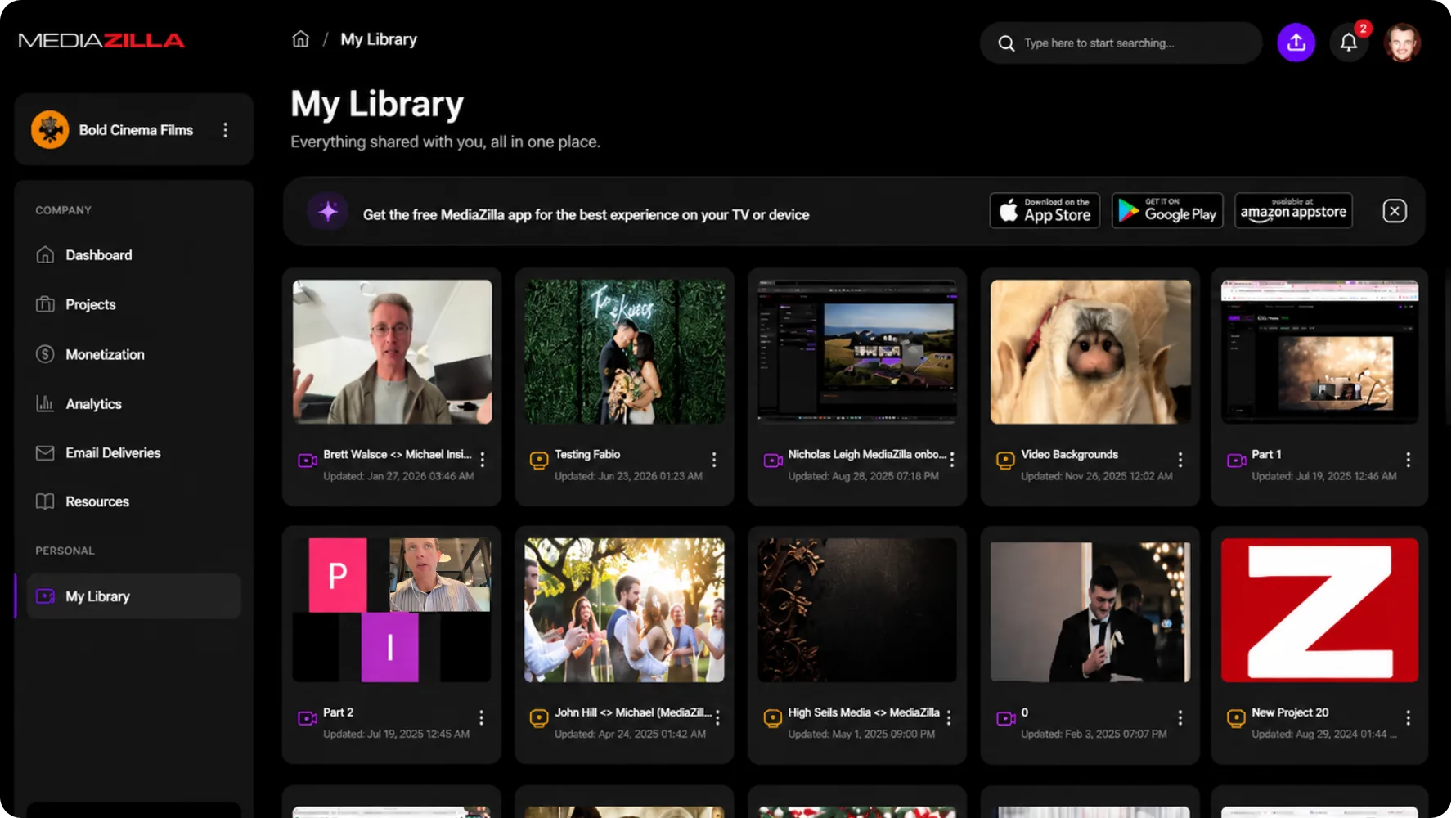
Trusted by filmmakers worldwide












Files scattered across three drives. No idea if the client even opened the link. Captions missing for half the audience. MediaZilla quietly handles all of it. Upload, organize, caption, track. When a client emails six months later asking for that thing you delivered, you find it in seconds.
One project per client or event. Nothing gets buried.
Desktop app, watch folders, Drive, or Dropbox.
Generate, upload, or translate. All in one place.
Who watched, how long, and what they rewound.
Swap the file. Same link, same analytics.
Move or delete a batch at once.
Open Video Upload, pick the project, then choose My Device, Google Drive, or Dropbox. The file lands in that project. You are not routing it through a desktop watch folder first.
See how it works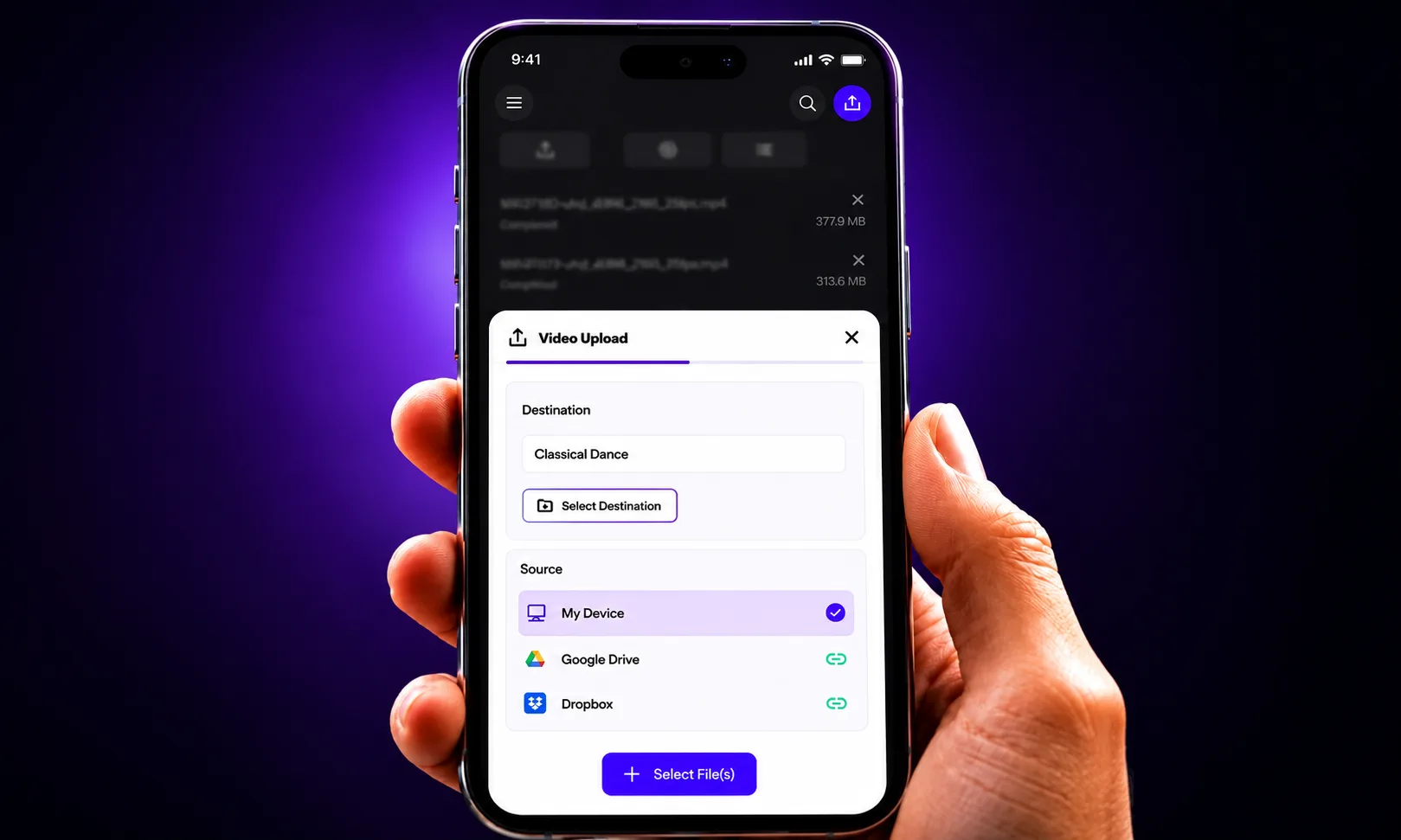
Open Captions and generate a track, or upload a caption file and pick the language. Viewers get subtitles without a separate cut or another tool.
See how it works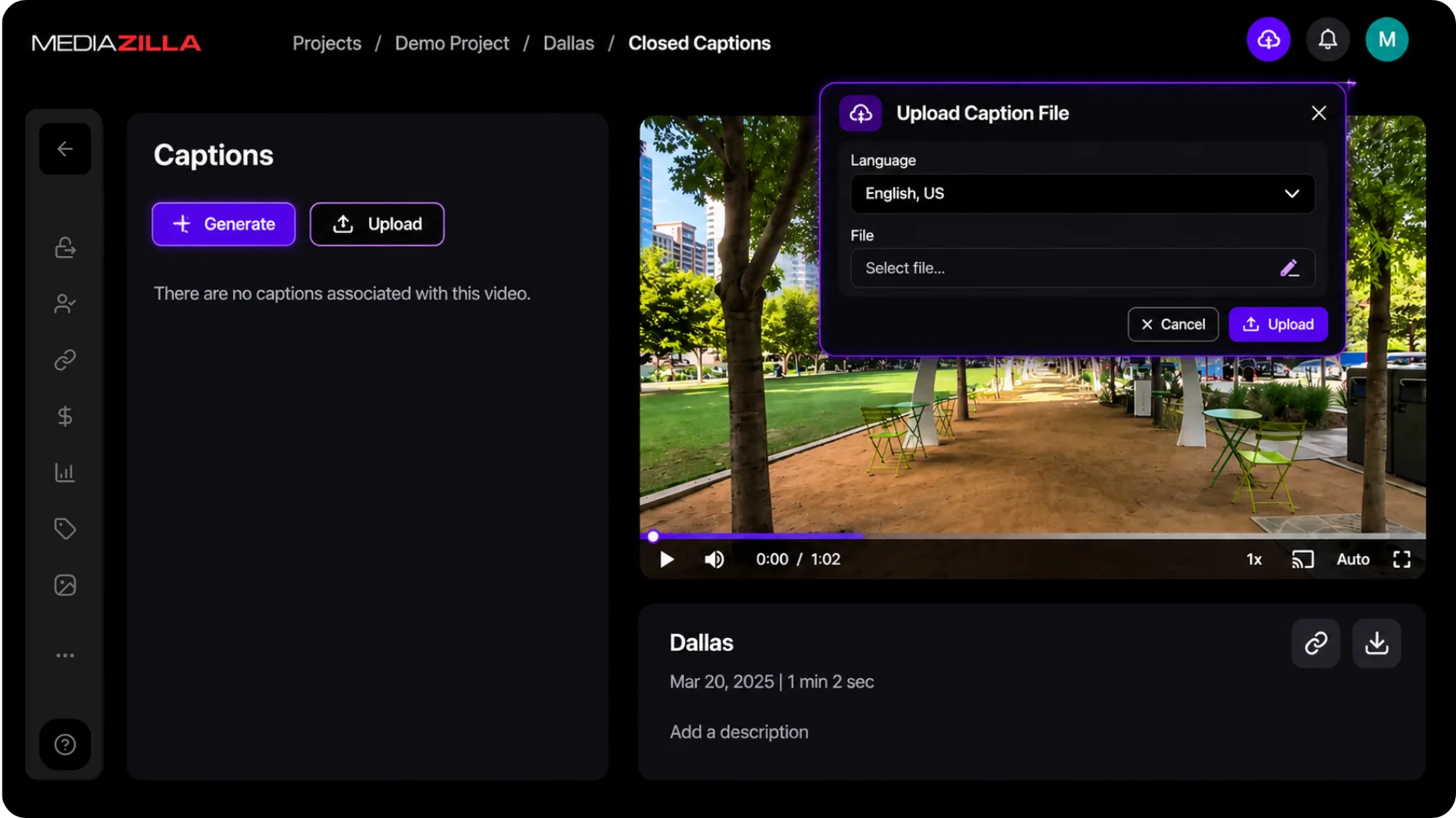
Create Project from the home screen. Each client or event gets its own space. Recent work sits on the dashboard. You are not digging through a folder named Final_Final_v3.
See how it works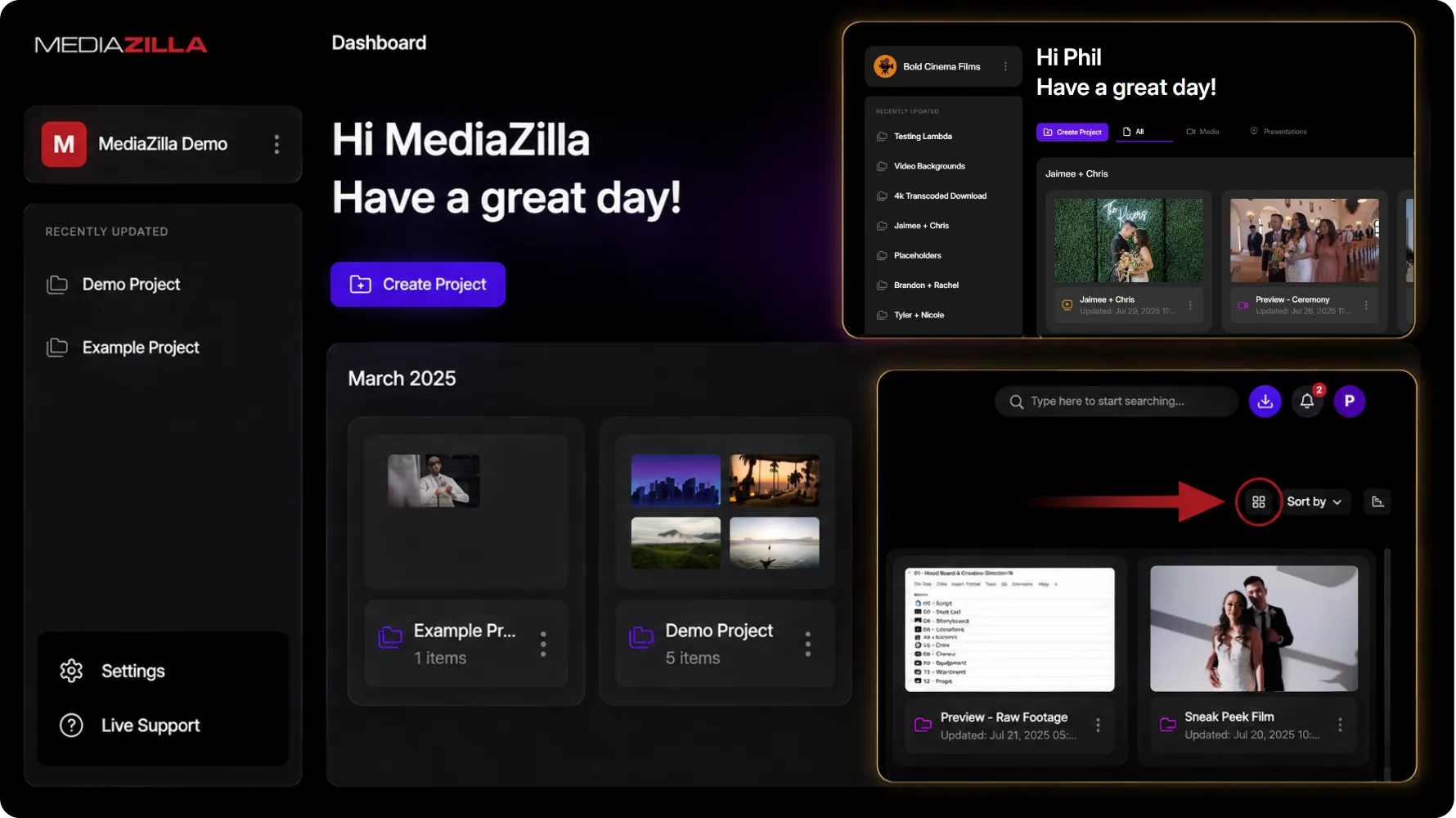
Open the video menu and hit Analytics. Plays, watch time, and the rest live there. You stay in the project. You do not hunt for a separate report.
See how it works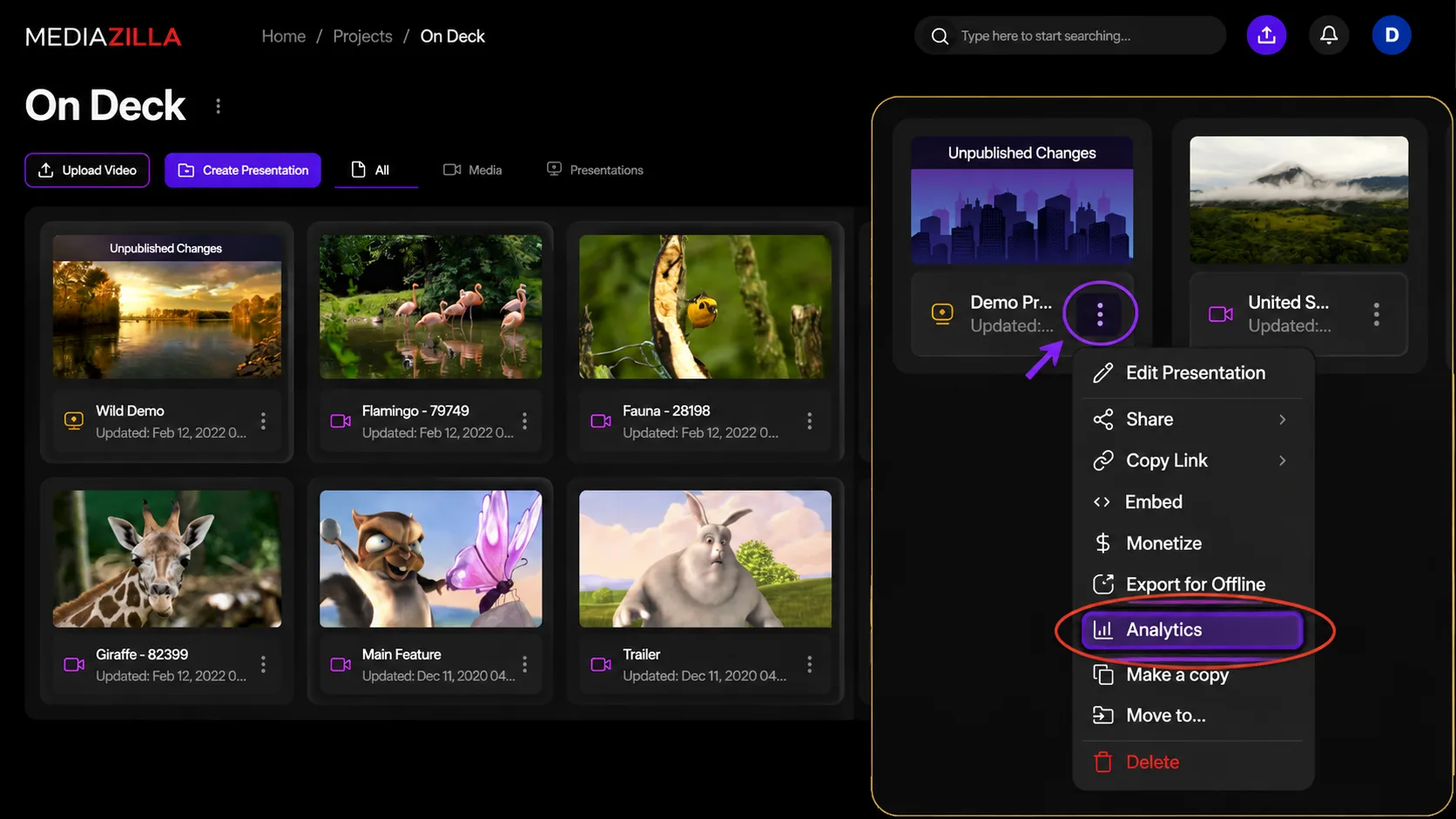

Video review
This changed how we present premium films to clients.
Brett
Video creator

10+ years
professional delivery our studio relies on
Sleek look, top-notch service. Couldn't be happier.
Ray Roman
Ray Roman Films

Video review
The delivery flow now feels polished and effortless.
Richard Osso
Filmmaker

Clients love it
easy to use, and service is spectacular
We could not be happier with the service.
Whitney Bowen
Bowen Films

Video review
Clients love the premium viewing experience.
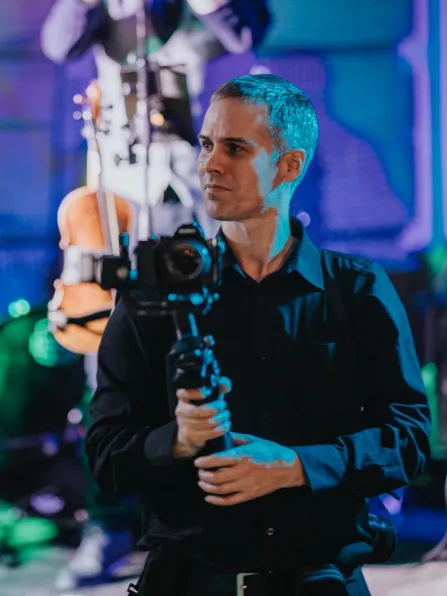
Terry K
Videographer
Full control
privacy, sharing, and a menu-based delivery
Excellent service. The best way to deliver content.
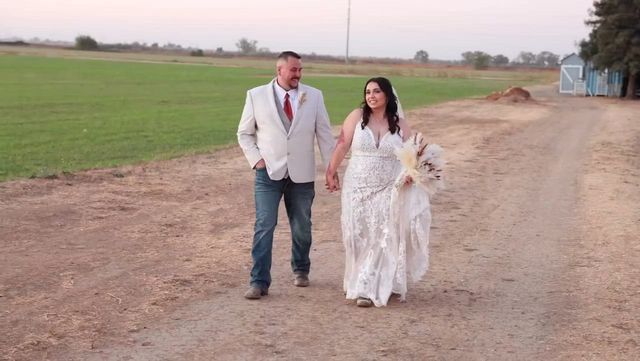
Ger Griffin
Ger Griffin Wedding Film
Video review
Professional delivery that elevates every final film.
Chersteen Colby
Cinematographer

Since 2018
no more physical media for every project
My team switched to MediaZilla. Delivery got simpler.
Richard Kim
True Focus Films

Every year
upload, menus, and delivery keep getting better
I have used MZ since the beginning. Huge fan.
Eddy Wittevrongel
Ik Film Je
Clients do too
chapters, sharing, and a custom presentation
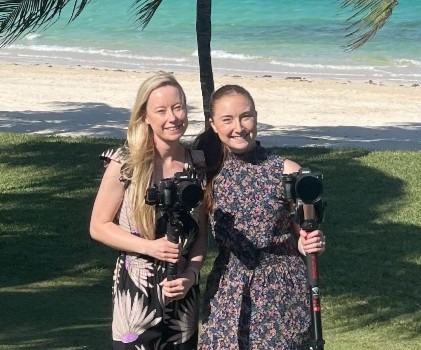
We love the ability to customize a presentation.
Ruth Samson
Sky Cinema Films
The essentials about access, playback, delivery, and the feature you are exploring.
MP4 or MOV using H.264 or H.265. Aim for around 15 Mbps at 1080p and 35 Mbps at 4K, with AAC-LC audio at 320 kbps and 48 kHz. The Help Center has per-NLE export presets for Premiere, Final Cut Pro, DaVinci Resolve, and iMovie.
No. Replacing keeps the same share links and analytics. That's the right way to send a revision.
Yes, within 10 days. After that window it's gone permanently.
You can approve extra quota or upgrade your plan. Existing content keeps working while you decide.
Yes. Connect the account and the files transfer in the cloud. No downloading and re-uploading through your machine.
Free to start, no card. Real people on our support team if you need help.
Start free