Wistia vs MediaZilla: The Best Alternative to Wistia for Filmmakers Who Sell Finished Films
By MediaZillaUpdated
Switch from Wistia
Sell and deliver films with a built-in checkout, TV apps, and zero platform commission.
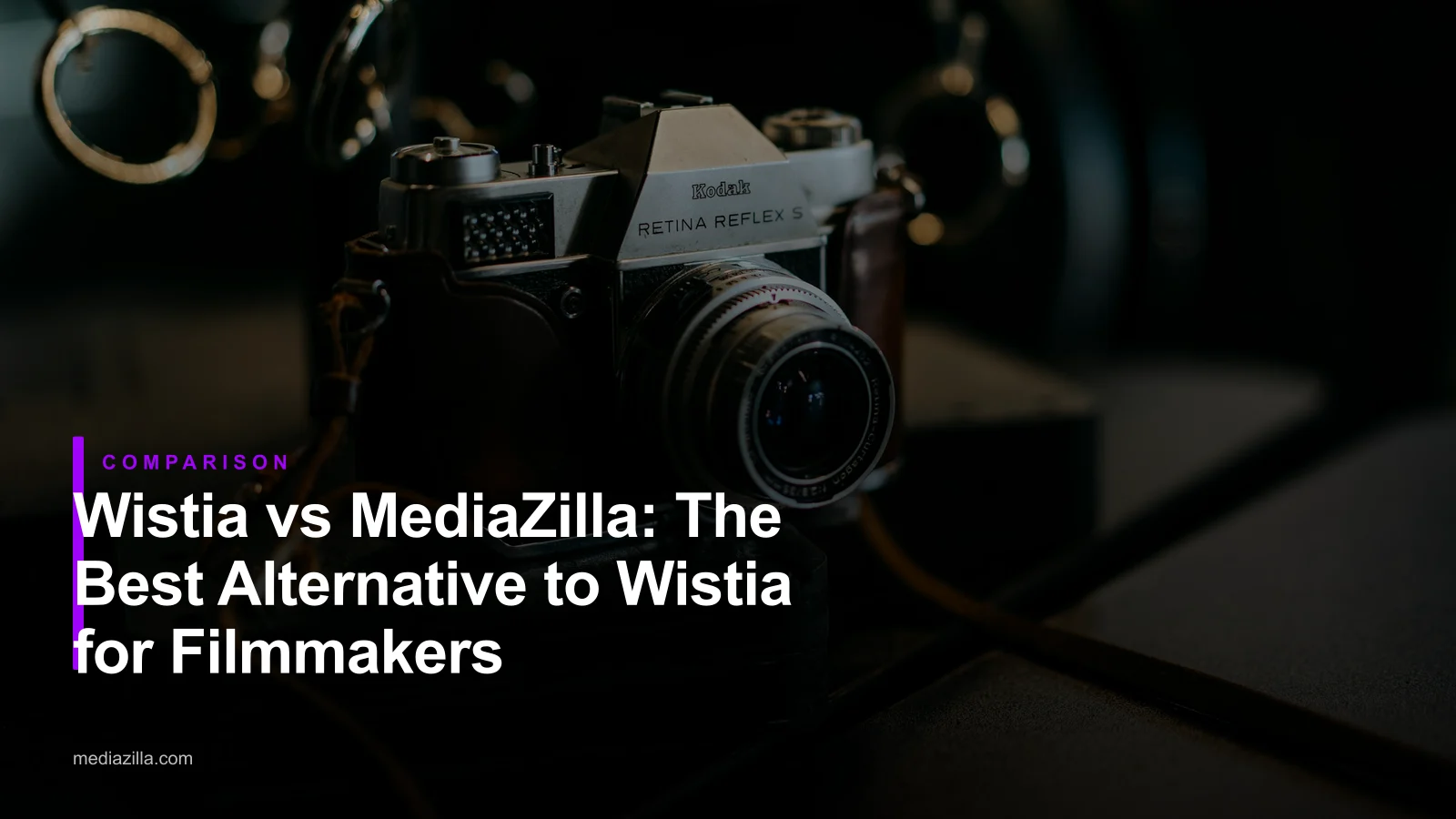
Wistia is a polished B2B marketing video host, but it has no built-in paywall, no TV apps, and Playback Protection sits on Enterprise. Business is $79/month for three seats with a 1 TB bandwidth cap, and selling requires InPlayer or Cleeng on top. MediaZilla hosts, delivers, and sells with zero platform commission, native TV apps, DRM, and lifetime buyer access. On $12,000 in sales, that is $1,710 more kept.
$1,710. That is the gap between Wistia and MediaZilla on a modest $12,000 recital season, once you add the paywall tool Wistia makes you buy. The gap grows with every ticket you sell.
Wistia is a strong tool. For marketing teams. For a filmmaker selling finished films, it is a hosting tab that still needs a second tool to collect money and a third workaround to reach a buyer's TV.
Marketing Tool or Film Business?
Wistia shows up on filmmaker shortlists because the player looks clean, the brand bar is tidy, and the analytics panel is honest about who watched what. Those are real strengths.
But Wistia was built for a different buyer. Its public pricing talks about leads, CRM syncing, A/B testing a call-to-action, and attributing a demo view to a pipeline opportunity. Signals, the Business + add-on, is marketing automation glue.
Filmmakers, dance studios, church media teams, and wedding videographers ask a different question. How do I present a finished film beautifully, protect it, and get paid for it, without renting three tools to do it?
That is a product gap, not a pricing one. Picking the wrong platform shows up slowly. Extra seats. A paywall subscription you did not plan for. Buyers asking why they cannot watch on their TV.
Wistia: What It Does Well and Where It Stops
Where Wistia Genuinely Works
Wistia is one of the best-looking B2B video players on the web. The player is unbranded, chapters are clean, and the Signals add-on ties viewing data to HubSpot, Salesforce, and Marketo. If you run a SaaS website, that attribution is worth real money.
The free plan is also unusually generous for a sales demo: 25 GB of storage and 200 GB of bandwidth with a single user, according to Wistia's own pricing page. For a small marketing team evaluating the product, that is a soft entry.
Where Wistia Stops
Wistia stops where a film business starts. Everything about turning a finished film into a product your buyers love is outside its focus.
No native paywall. Wistia's own guide to selling behind a video paywall states the player has no built-in paywall functionality. To sell access you add InPlayer, Cleeng, or MemberMouse. Each one has its own monthly fee, its own commission, and its own support queue.
Playback Protection is Enterprise only. If you want DRM-grade protection on a film your buyers paid for, Wistia routes you to Enterprise. There is no listed price. For a studio selling $40 recital downloads, that is a quote call for a feature MediaZilla ships to the free trial.
Seats cost money. The Business plan includes 3 users. Each extra seat is roughly $25 per month, or $300 per year. A studio with an editor, an owner, and two part-time assistants is paying for seats before uploading a frame.
A player, not a film release. Buyers get an embedded player on your page. No branded menu. No scene selection for a three-act recital. No Netflix-style presentation that reinforces the price you charged. And the listed plans do not include native apps for Apple TV, Roku, or Fire TV.
Bandwidth has a hard cap. The Business plan tops out at 1 TB of bandwidth per month. Pop a short film into a tweet that takes off and you can bump that ceiling in a weekend. Wistia does not publish a per-GB overage rate, which means a quote call. Success turns into a sales call.
| Capability | Wistia | MediaZilla |
|---|---|---|
| Built for | B2B marketing and sales teams | Filmmakers and creators who deliver and sell finished video |
| Paywall and checkout | Not included. Needs InPlayer, Cleeng, or MemberMouse | Built in. Zero platform commission (Stripe fees only) |
| Business plan price | $79/mo billed annually, 3 users ($25/mo per extra seat) | Flat subscription, no per-seat fee |
| Bandwidth | 1 TB on Business, hard cap | Included in the subscription |
| DRM and Playback Protection | Enterprise only, custom pricing | Included on every plan |
| Viewer experience | Embedded player on a web page | Branded interactive menus with scene selection |
| TV and mobile apps | None listed | iOS, Android, Apple TV, Fire TV, Roku, Android TV |
| Buyer access after you cancel | Ends when the account closes | Lifetime access, even after you cancel |
MediaZilla: What Changes When You Switch
Zero Platform Commission
MediaZilla supports one-time purchases, rentals, and subscriptions through a built-in checkout. MediaZilla takes no commission on those sales. You pay standard Stripe processing and keep the rest.
A $40 recital download is worth $40, minus card fees, not $40 minus Stripe minus a paywall tool minus Wistia's seat count.
Checkout Lives Where the Film Lives
Buyers click the film, hit buy, and watch. The checkout is on the same page as the film. There is no second domain, no third-party login, and no support ticket routed back to you because InPlayer and Wistia disagree about who holds the user record. If you are planning a move, this migration playbook walks the sequence that keeps buyers whole.
Branded Film Release, Not an Embed
MediaZilla lets you build Netflix-style interactive menus, scene selection, and multi-video presentations under your brand. A wedding film opens like a premiere. A three-act recital opens on a menu where parents jump straight to their child's dance.
The presentation reinforces the price. It is also what family members remember when a cousin asks who made the film.
Native Apps on Every Screen
Buyers watch on the web, iOS, Android, Apple TV, Fire TV, Roku, and Android TV. When a grandparent asks whether they can watch the recital on the living room TV, the answer is yes, with no casting workaround.
Content Protection Included
MediaZilla applies DRM encryption to uploaded content, blocks unauthorized downloads, and limits concurrent devices per buyer. It is part of the platform, not an Enterprise tier you upgrade into after piracy has already cost you sales. Full detail lives in the content protection breakdown.
Lifetime Access and Direct Viewer Support
Buyers keep access to what they purchased, even if you later cancel your MediaZilla account. And when a viewer forgets a password or cannot log in on a new TV, MediaZilla supports them directly instead of routing every ticket back to you. The help center is open to your buyers, not just you.
The Cost Comparison: What You Actually Keep
Run one realistic scenario through both platforms.
A dance studio and event filmmaker records spring and winter recitals plus a few theater productions. Over a year they sell 300 tickets at $40 each, for $12,000 in sales. They need a paywall. On Wistia, they also need a paywall tool.
| $12,000 in sales (300 x $40) | Wistia Business + paywall tool | MediaZilla |
|---|---|---|
| Hosting subscription | $948 ($79/mo, annual) | $438 |
| Paywall tool | ~$600 (third-party, modest tier) | $0 (built in) |
| Paywall commission | ~$600 (5% of $12,000) | $0 platform commission |
| Card processing | $438 (Stripe 2.9% + $0.30) | $438 (Stripe 2.9% + $0.30) |
| Total annual cost | $2,586+ | $876 |
| Net take-home | $9,414 (78.45%) | $11,124 (92.70%) |
On Wistia: The Business plan is $948 per year, billed annually. Add a modest paywall tool: roughly $50 per month ($600/yr) plus about 5% commission on $12,000 ($600). Stripe processing adds $438. Total cost: $2,586, before any extra seat or bandwidth call. Net take-home: $9,414, or 78.45% of sales.
On MediaZilla: The subscription is $438 per year. Zero platform commission. Stripe processing at 2.9% plus $0.30 per transaction comes to $438. Total cost: $876. Net take-home: $11,124, or 92.70% of sales.
That is $1,710 more in your pocket on the same sales. Add one editor seat on Wistia and the gap widens by another $300. Push past 1 TB of bandwidth and the gap depends on a sales call. For broader platform math, this filmmaker-platform guide runs the same math across Wistia, Vimeo, Dacast, and more.
Who Should Stay on Wistia
Wistia is the right call in a few clear cases, and it is worth being honest about them.
- You are a B2B marketing team using video to drive demos, and lead attribution inside HubSpot or Salesforce is the actual job.
- Your videos sit on your website behind an email form, not behind a payment, and the win is a signed opportunity rather than a direct sale.
- Signals, calls-to-action inside the player, and A/B testing the thumbnail are what you need to measure, not take-home revenue per film.
If instead you shoot events, edit them, and then deliver or sell the finished film, you are paying for a marketing stack you do not use. And renting a paywall tool for the part you do.
How to Switch from Wistia to MediaZilla
Step 1. Check Your Renewal Date and Seat Count
Wistia Business is billed annually. Find your renewal date, note how many seats you are paying for, and plan the move so it finishes before the next renewal. Every extra seat is roughly $300 per year you stop paying for after the cutover.
Step 2. Export Media Library and Viewer Analytics
Pull your Wistia Media library and viewer data: titles, descriptions, chapter markers, and any lead or buyer records attached. If you are selling through a Wistia paywall partner like InPlayer or Cleeng, export the customer list from that tool separately. Those records are how past buyers keep access after the move.
Step 3. Download Master Files to Two Independent Locations
Download the originals and keep them on an external drive plus a cloud account you control. Your masters should never live only on a streaming platform, whichever one you use.
Step 4. Set Up MediaZilla Before Announcing Anything
Create your MediaZilla account, connect Stripe, and set branding, menus, and pricing. Upload one film and test it on desktop, mobile, and a TV app. Buy access yourself once. The first customer through your checkout should not be your first test.
Step 5. Import Past Buyers and Tell Them
Bring your past buyers into MediaZilla so they keep what they paid for. Then email them a short note. The films moved. Their access is permanent. They can now watch on their TV. MediaZilla's team can help with bulk buyer imports and access setup.
Step 6. Replace Embeds and Let Wistia Lapse
Swap your Wistia embeds and paywall partner links on your website, emails, and social profiles with your MediaZilla links. Then let your Wistia plan lapse at renewal rather than paying for a platform you have already left. If you also run a Vimeo On Demand store on the side, the Vimeo OTT migration post covers that cutover.
Frequently Asked Questions About Wistia vs MediaZilla
What is the main difference between Wistia and MediaZilla?
How much does Wistia cost per month in 2026?
Does Wistia have a built-in paywall or checkout?
Does Wistia include DRM for selling films?
Does Wistia offer apps for Apple TV, Roku, or Fire TV?
Is Wistia better than MediaZilla for marketing videos?
Can I sell wedding films and dance recitals through MediaZilla?
How do I move my videos from Wistia to MediaZilla?
Wistia markets videos. MediaZilla sells finished films. If your product is the film, start a MediaZilla free trial and keep the next $1,710.
Featured Resource
Migrate from Vimeo On Demand before November 20
Apply for a free MediaZilla migration spot. Approved libraries move in 14 days - or we pay you $1,000.
Apply for free migration