How MediaZilla Protects Film Content After Purchase
By MediaZillaUpdated
Secure your films
Your film deserves an audience that paid for it. Reserve your MediaZilla migration spot before this week's 10 slots are gone.
MediaZilla uses DRM encryption, controlled buyer access, and secure delivery to protect your film after every purchase, so only paying customers can watch.
What "protecting film content" actually means
Most filmmakers think content protection means a login page.
It does not.
A login page keeps strangers out. It does nothing once a legitimate buyer shares their credentials, forwards a link, or hands a device to five people in their household. The film plays regardless.
Real content protection is a layered system. It controls who can play the file, on which account, from which device, at which time. Every layer has a job. Remove one layer and the system has a hole.
Filmmakers who sell online face three distinct threats:
- Credential sharing. One buyer, multiple viewers. The account gets passed around and the filmmaker earns a single sale for what should have been five.
- Screen recording. A buyer records the film using software like OBS Studio or a browser extension and distributes it on Telegram or torrent sites. In January 2025, this exact scenario forced two Sundance films off their streaming platform within hours of screening.
- Platform gaps. The hosting platform claims "secure delivery" in its marketing but implements no real DRM. The film sits on a server with a URL that, once known, can be accessed without any account.
All three threats are preventable. None of them are inevitable.
The real problem: one purchase, unlimited viewers
"I have no idea if the buyer just shares the link with their whole family."
That sentence appears in filmmaker communities more than any pricing complaint. It is not paranoia. It is a structural flaw in how most video platforms handle access after checkout.
Here is what typically happens on a platform with weak access control:
A buyer completes a purchase. The platform emails a link or grants access to a video page. That link or page URL has no enforcement tied to it beyond the initial login. The buyer bookmarks it, shares it, or simply stays logged in on a shared device. Five people watch the film. One payment was made.
The filmmaker sees one transaction in their dashboard. They have no visibility into how many devices played the film or whether the buyer's account is active on multiple screens simultaneously.
This is not a hypothetical edge case. Account sharing across paid video platforms is documented and widespread. The problem is not the buyer's morality. The problem is that most platforms make sharing easier than it should be.
The fix is not a terms-of-service clause. The fix is technical enforcement at the account and device level.
How MediaZilla protects your film at every stage
DRM encryption locks the file itself
DRM (Digital Rights Management) is not a firewall. It is a license system built directly into the video file.
When a film is delivered with DRM, the file is encrypted. To play it, the viewer's device must request a decryption license from a license server in real time. That license is tied to the buyer's authenticated account. No authentication, no license. No license, no playback.
MediaZilla uses industry-standard DRM to ensure the encrypted video file is worthless to anyone who does not hold a valid license tied to a paying account.
Controlled customer access ties viewing to the buyer
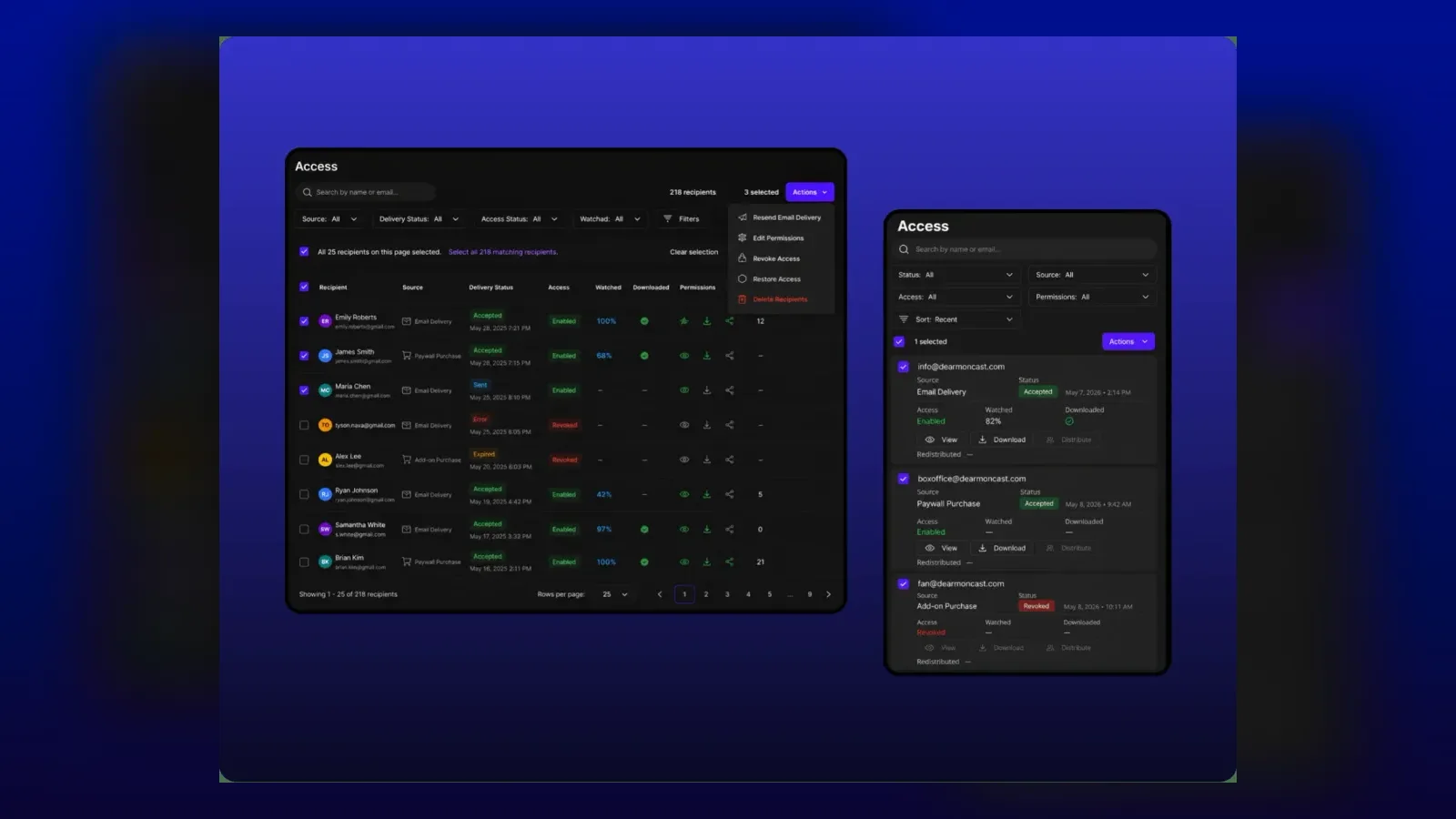
Every purchase on MediaZilla creates an entitlement on a specific account.
That entitlement is not a link. It is not a code. It is a record tied to the buyer's login credentials. When the buyer opens the film, the platform checks whether that account holds a valid entitlement for that title before authorizing playback.
If someone else tries to open the film without an entitlement on their account, they see nothing. The film does not load.
Secure delivery prevents URL-based access
On platforms with weak delivery infrastructure, knowing the video file's URL is sometimes enough to watch it.
MediaZilla uses secure, token-based delivery. Every stream session generates a temporary, expiring token specific to the authenticated session. That token cannot be reused, forwarded, or accessed outside of the authorized account context.
A URL shared outside of a valid session returns nothing.
Ad-free, branded playback removes third-party tracking risks
Platforms that serve ads within the player introduce third-party scripts and trackers into the viewing session. Those scripts can create security vulnerabilities.
MediaZilla's player is ad-free and fully branded. No third-party ad networks. No injected scripts. The viewing session belongs entirely to the filmmaker and the buyer.
Device-level access control limits simultaneous streams
A paid account should not be able to stream a film on six screens at the same time.
MediaZilla's access control operates at the account and session level, limiting how many simultaneous streams a single entitlement can authorize. A buyer who tries to share their login with a household of ten people will find the system enforces limits that a terms-of-service page never could.
What happens to buyer access when you migrate platforms
This is the protection question most filmmakers miss until it is too late.
Vimeo On Demand is closing. Thousands of filmmakers are migrating. And a significant number of them are choosing a new platform without asking one critical question: what happens to the people who already paid?
On platforms without proper buyer migration tools, the answer is: they lose access.
The filmmaker moves their content. The old platform goes dark. The buyer logs in and finds nothing. The filmmaker then fields support tickets, refund demands, and angry emails from customers who paid for lifetime access to a film they can no longer watch.
MediaZilla is built to preserve existing buyer access through migration. Buyer entitlements transfer with the content. The account-level access record moves. The customer does not have to repurchase.
Protecting customers, sales, content, reputation, and future revenue paths is not simply about moving files. It is about keeping every promise you made to every person who paid you. For a full platform comparison, see What Are the Best Alternatives to Vimeo On Demand in 2026?.
How to set up content protection on MediaZilla
Step 1 - Upload your film to MediaZilla with the correct settings
Log into your MediaZilla account and navigate to the content upload section. Upload your film file in HD or 4K. MediaZilla applies DRM encryption automatically during the transcoding process. You do not need to configure DRM separately. Once the upload is processed, the file is encrypted and no longer accessible outside of the authenticated player.
Step 2 - Configure your monetization type
Choose how you want to sell the film: one-time purchase (TVOD), rental, or subscription. Each model creates a different type of entitlement on the buyer's account. A one-time purchase creates a permanent entitlement. A rental creates a time-limited one. A subscription ties access to an active subscription status. Set your price and configure the checkout flow within the platform.
Step 3 - Set access control rules for your title
Inside the film's settings, configure your access control parameters. Decide how many simultaneous streams a single account can run. MediaZilla enforces these rules at the session level, not just in the terms of service. Set this before your film goes live. Changing it after buyers have already purchased can create support complications.
Step 4 - Import existing buyers from your previous platform
If you are migrating from Vimeo On Demand or another platform, collect your existing buyer list with purchase records before the old platform closes. MediaZilla's migration assistance program (available to approved businesses) helps transfer buyer entitlements so existing customers retain access without repurchasing. Apply for a migration spot early. Only 10 approved businesses are accepted per week.
Step 5 - Test the access flow before going live
Create a test account that does not hold an entitlement for your film. Attempt to access the film from that account. Confirm you see no playback. Then purchase through your test account and confirm that the entitlement activates and playback works. Test on at least two different devices. This step takes 15 minutes and catches setup errors before real buyers encounter them.
Step 6 - Monitor your analytics for access anomalies
MediaZilla provides analytics showing what customers watch, where they stop, and engagement patterns. Review this data regularly. Unusual patterns, such as a single account showing viewing data that suggests multiple concurrent users, can indicate credential sharing that has slipped past session limits. Use this data to tune your access control settings over time.
Frequently asked questions
Does MediaZilla use DRM to protect film content?
Can a buyer share their MediaZilla login with others?
What stops someone from screen recording a film purchased on MediaZilla?
What happens to my buyers if I migrate to MediaZilla from Vimeo On Demand?
Is MediaZilla's content delivery secure against URL-based access?
How does MediaZilla protect content on TV apps and mobile devices?
Does MediaZilla charge transaction fees that eat into revenue when protection features are used?
What is the difference between content protection and DRM?
Featured Resource
Migrate from Vimeo On Demand before November 20
Apply for a free MediaZilla migration spot. Approved libraries move in 14 days - or we pay you $1,000.
Apply for free migration