How to Set Up Stripe Checkout With 0% Platform Commission in 2026
By MediaZillaUpdated
Free migration offer
Move your Vimeo On Demand library to MediaZilla in 14 days - or we pay you $1,000.
$1,350. That is what a 10% + $0.50 checkout keeps from 300 sales at $40, before card fees. Here is how a Stripe checkout with 0% platform commission works, what Stripe still charges, and the six-step setup to keep that money.
$1,350.That's what a checkout charging 10% + $0.50 keeps from a $12,000recital season. And that's before the card fees.
A zero-commission Stripe checkout fixes it. Buyers pay into your own Stripe account. The platform takes 0%. You pay only Stripe's processing, about $438 on those same 300 sales.
What Does 0% Platform Commission Actually Mean?
Most video sales platforms make money two ways. They charge a monthly plan. Then they take a slice of every sale on top.
Zero platform commission removes the second one. The platform charges its subscription and stops there. Every sale settles in your Stripe account, minus card processing.
So a $40 recital film is worth $38.54 to you. Not $40 minus 10% minus $0.50 minus processing.
What It Doesn't Mean
It doesn't mean free payments. Nobody moves money for nothing. Visa, Mastercard, and Stripe still get paid. The difference is that a middleman stops getting paid twice.
How Much Does a Commission Checkout Really Cost You?
Take one realistic year. A dance studio filmmaker sells two recitals and a spring musical. 300 families buy at $40. That's $12,000 in sales.
| $12,000 in sales (300 × $40) | Platform fee | Commission taken | What's left |
|---|---|---|---|
| Gumroad (direct sales) | 10% + $0.50 per sale | $1,350 | $10,650 before card fees |
| Dacast paywall | 9.9% + $0.40 per purchase | $1,308 | $10,692 before plan cost |
| Uscreen Starter (one-time sales) | 10% per sale | $1,200 | $10,800 before plan cost |
| MediaZilla | 0% platform commission | $0 | $12,000 before Stripe fees |
Gumroad lists direct sales at 10% plus $0.50 per transaction, with card processing added on top. That's $1,200 plus $150. Add roughly $438 in processing and the total cost lands near $1,788.
Uscreen's Starter plan reportedly charges a 10% fee on one-time sales on top of $49/mo. That's $1,200 in commission and $588 in plan fees.
Dacast takes 9.9% plus $0.40 per purchase, or $1,308. We broke that down line by line in our Dacast vs MediaZilla fee comparison.
On MediaZilla the commission line reads $0. You pay the $438 annual subscription and $438 in Stripe processing. Total: $876. Net take-home: $11,124, or 92.7%.
Why the Gap Grows Every Year
A commission scales with your success. Sell 600 films instead of 300 and a 10% plus $0.50 fee jumps to $2,700. A flat subscription stays flat. The better your year, the more a commission hurts.
What Does Stripe Still Charge You?
Be clear-eyed about this part. Zero commission doesn't make Stripe free. Here's what still applies, based on Stripe's published pricing.
Standard Card Processing
US online cards run 2.9% + $0.30 per successful charge. On a $40 sale that's $1.46.
International Cards and Currency Conversion
Grandparents in London or Toronto pay with cards issued abroad. Stripe adds about 1.5% for international cards and roughly 1% more if the currency needs converting. Say 40 of your 300 buyers live overseas. That's about $40 extra for the season. Small, but worth knowing.
Disputes
A chargeback costs $15 in the US, win or lose. Contest it and lose, and you pay another $15. Most film disputes come from buyers who don't recognize the charge. A clear statement descriptor with your studio name stops most of them.
How Do You Set Up a Zero-Commission Stripe Checkout?
Plan on about 20 minutes, plus however long Stripe takes to verify your business. Do it a week before you announce a sale, not the night of the recital.
Step 1. Check Your Plan
Selling through the MediaZilla paywall is available on Growth plans and above. Confirm your plan before you build anything.
Step 2. Connect Stripe
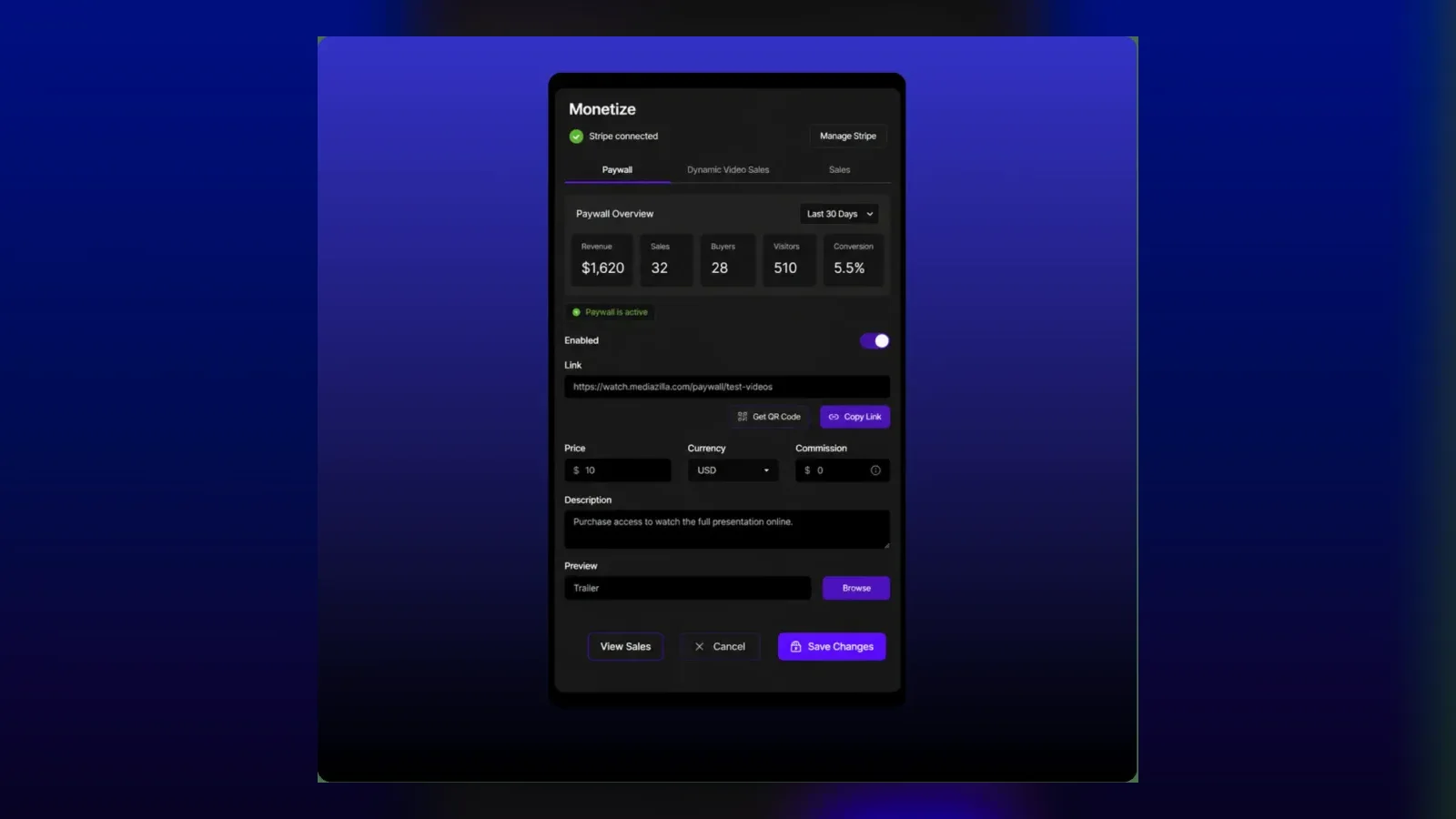
Open the monetize settings on any video or presentation. Or go to the Integrations tab in your company settings. Sign in to your existing Stripe account or create a new one. The step-by-step Stripe connection guide covers every screen.
Step 3. Finish Stripe Verification
Stripe asks for business details and a bank account. Once it's verified, the status in MediaZilla changes to Active. The paywall won't switch on until it does.
Step 4. Set Your Statement Descriptor
In your Stripe dashboard, set the descriptor to something buyers recognize, like your studio name. This one setting prevents more $15 disputes than anything else on this list.
Step 5. Turn On the Paywall and Price the Film
Pick a one-time purchase, a rental, or a subscription. Set the price. If the film isn't finished yet, open presales now. Our guide to how dance schools pre-sell recital videos shows the timing that works.
Step 6. Buy It Yourself Once
Make a real purchase with your own card. Watch it on your phone and your TV. Then refund yourself in Stripe. Your first customer should never be your first test.
Which Pricing Model Should You Sell With?
The checkout is the same either way. The offer changes how much each buyer is worth.
- One-time purchase fits recitals and weddings. Families want to own it. Price at $30 to $60.
- Rental fits short films and festival releases. A $6.99 48-hour rental still nets about $6.49 after Stripe.
- Subscription fits a growing library. Ten films at $9/mo beats ten separate small sales.
Watch the small prices. The $0.30 per-charge fee bites harder on a $5 rental than a $40 download. Bundle cheap items so each charge is worth processing. If you sell clips or per-dancer edits, look at Dynamic Video Sales for packaging ideas.
Who Should Keep a Commission-Based Checkout?
A commission model isn't always wrong. It makes sense when:
- You sell under $1,000 a year. A commission on tiny volume can cost less than any subscription.
- You rely on a marketplace to find buyers for you. Gumroad's Discover takes 30%, but it brings traffic you don't have.
- You sell downloadable files that aren't video, like presets or LUTs, where a film player adds nothing.
But if you film events and sell the finished film to people who were there, you already have the audience. Stop paying a platform to stand between you and them.
Stop giving away 10% of every sale. Start keeping it. Start your MediaZilla account, connect Stripe, and run your next recital sale at zero platform commission.
Frequently Asked Questions About Zero-Commission Stripe Checkout
What does 0% platform commission mean?
Do I still pay Stripe fees with zero platform commission?
How much more do I keep compared with a 10% commission platform?
Does Stripe charge extra for international buyers?
What happens if a buyer disputes a charge?
Which MediaZilla plan do I need to sell videos?
Where does the money go when a buyer pays?
Can I collect presales before the film is finished?
Featured Resource
Migrate from Vimeo On Demand before November 20
Apply for a free MediaZilla migration spot. Approved libraries move in 14 days - or we pay you $1,000.
Apply for free migration