Roku Channel Store Fees in 2026: What the 20% Cut Costs You
By MediaZillaUpdated
Free migration offer
Move your Vimeo On Demand library to MediaZilla in 14 days - or we pay you $1,000.
$2,400. That is what Roku Pay keeps when you sell 300 copies of a $40 film inside your own Roku channel. Roku's channel store fees did not change in 2026, but the 20% cut, the 60-day payout clock, and the on-device billing rules cost film sellers more than most expect.
$2,400. That is what Roku keeps when you sell 300 copies of a $40 film through your own Roku channel. Roku Pay takes 20% of every sale, and that rule has not changed in 2026.
So the news is not a new fee. The news is that more filmmakers are asking for a Roku channel without checking what it costs to sell inside one. This post runs the numbers.
What Does Roku Charge Film Sellers in 2026?
Roku's publisher payout documentation is short and clear. Roku pays you 80% of what it collects through Roku Pay for your channel. Taxes, credits, refunds, and chargebacks come off first. Roku keeps the other 20%.
That 20% covers billing, the store listing, and card processing. It applies to subscriptions, one-time purchases, and rentals sold inside the channel.
The Payout Clock
Roku pays no later than 60 days after the end of the month it received your money. Sell a film on March 1 and the cash can show up at the end of May. That is close to 90 days of float on your own revenue.
Annual plans are slower still. Roku pays them out 1/12 per month. A $60 annual pass pays you $4a month for a year after Roku's cut.
Did Roku Change Its Fees This Year?
No. We checked Roku's developer docs, its forums, and its 2026 earnings coverage. The split is still 80/20 as of October 2026.
The last real change came years earlier. Roku told developers it was cutting its share on channels using the billing API from 30% to 20%. The same notice made Roku billing mandatory for paid channels in the store.
What did change in 2026 is Roku's focus. Roku raised its platform revenue forecast in April and is pushing hard on subscriptions. A company leaning on subscription revenue has no reason to lower its cut. Plan for 20%, not for a discount.
What Does 20% Cost on a Real Film Release?
Take one realistic release and run it both ways.
An indie director sells a feature for $40. Over a year, 300 people buy it. That is $12,000 in sales.
| $12,000 in sales (300 × $40) | Own Roku channel (Roku Pay) | Own checkout (Stripe) |
|---|---|---|
| Platform or store cut | $2,400 (20%) | $0 |
| Card processing | Inside Roku's 20% | $438 (2.9% + $0.30 each) |
| When the money arrives | Up to 60 days after month end | Stripe's standard payout schedule |
| Net to you | $9,600 (80.0%) | $11,562 (96.4%) |
Inside a Roku channel: Roku keeps $2,400. You get $9,600, paid up to two months late.
On your own checkout: Stripe charges 2.9% plus $0.30 per card charge. On 300 sales that is $348 plus $90, or $438. You keep $11,562.
The gap is $1,962 on one film. Release two films a year and it is close to $4,000. And that is before you pay anyone to build and certify the Roku channel.
The Wedding Filmmaker Version
Smaller numbers, same ratio. Say you sell a $150 family viewing package to 20 couples a year. That is $3,000. Roku Pay keeps $600. Stripe keeps about $93. The difference covers a full year of most delivery platform plans.
What Rules Come With a Roku Pay Channel?
The fee is the visible cost. The rules are the part most filmmakers miss.
| Rule | Roku Pay channel | Where it comes from |
|---|---|---|
| Revenue share | 80% to you, 20% to Roku | Roku publisher payouts docs |
| Payout timing | Up to 60 days after month end | Roku publisher payouts docs |
| Annual plans | Paid out 1/12 per month | Roku publisher payouts docs |
| Off-device checkout | Not allowed inside paid channels | Roku sign-up and sign-in requirements |
| Price format | Should end in $0.99 | Roku services agreement |
| Upgrades and downgrades | Must work on the device | Roku Pay integration requirements |
You Can't Send Buyers to Your Website
Roku's sign-up requirements prohibit external webpages and off-device purchase links inside paid channels. The buyer has to sign up on the TV, through Roku Pay. That is how Roku makes sure every in-channel sale carries its 20%.
Your Price Ends in .99
Roku's services agreement lets you set the price but says it should end in $0.99. Your $40 film becomes $39.99. Small thing. But it means your Roku price and your website price never quite match.
Every Plan Change Happens on the Device
The Roku Pay integration requirements say upgrades and downgrades must work on the device, with no external webpage. Fail that and your channel doesn't pass certification. So you are building and maintaining a full billing flow for one TV platform.
When Is Your Own Roku Channel Worth It?
Sometimes the 20% is a fair trade. Be honest about which case you are.
- You have 50+ titles and strangers find you by browsing the Roku channel store.
- You run a monthly subscription and want Roku Pay's one-click sign-up for viewers who already have a card on file with Roku.
- You have a developer on staff who can maintain a certified channel through Roku's policy updates.
Most filmmakers fit none of those. A wedding couple, a dance parent, or a festival fan already knows who you are. They don't need a Roku storefront to discover you. They need a Roku app to watch what they bought from you.
That is a different problem. And it has a much cheaper answer.
How Do You Get on Roku Without the 20% Cut?
Stop treating Roku as your store. Treat it as one of the screens your buyers watch on.
Step 1. Sell on Your Own Checkout
Take payment where you control the fee: your website or your delivery platform's checkout. MediaZilla's checkout runs at 0% platform commission. You pay standard Stripe processing and keep the rest.
Step 2. Deliver to Every TV, Not Just Roku
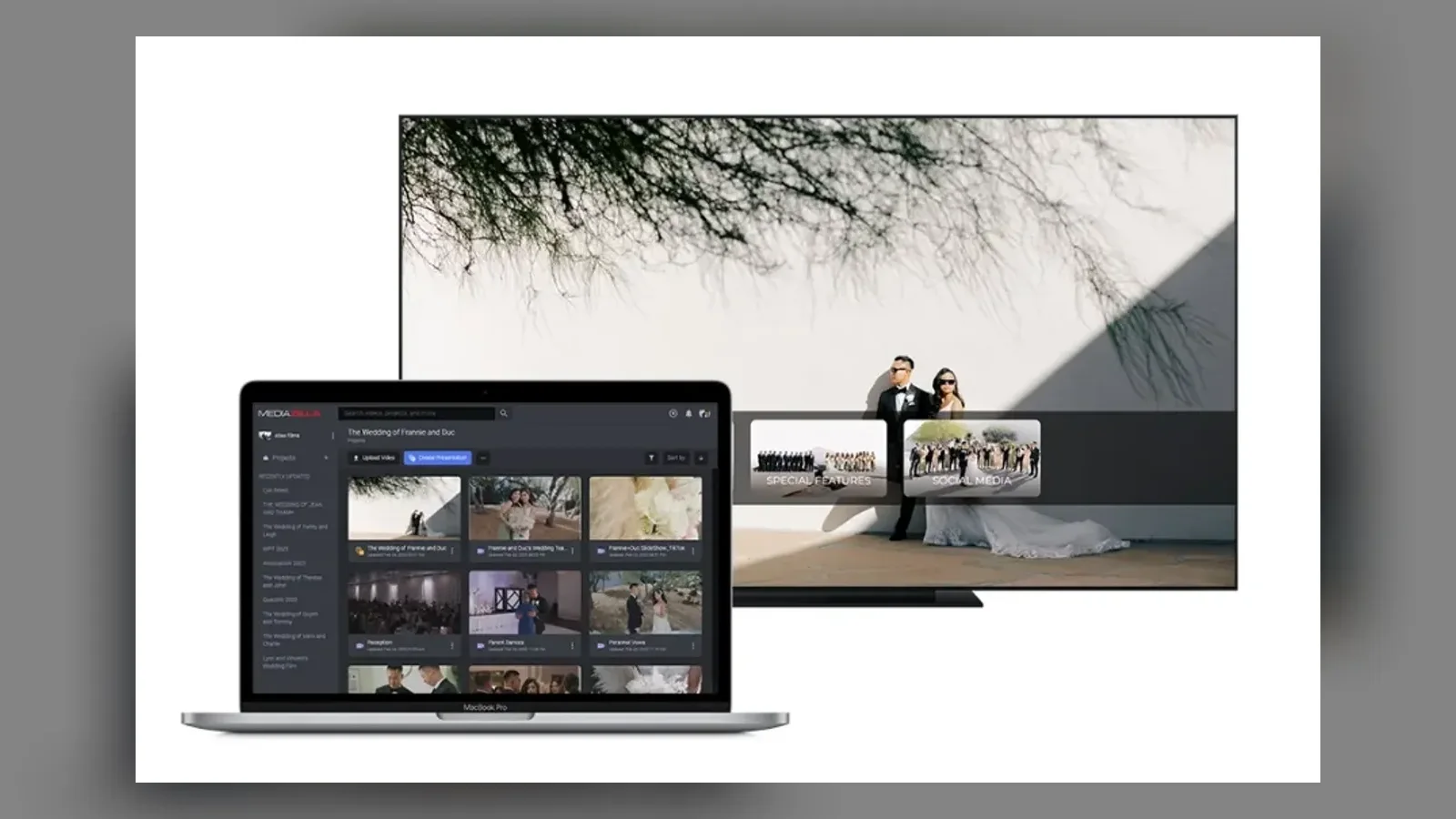
MediaZilla includes apps for iOS, Android, Apple TV, Fire TV, Roku, and Android TV. One upload reaches all of them. You don't build, certify, or update a single channel yourself.
Step 3. Protect the File Before It Reaches the TV
A film on a living room TV is still a film someone can share. MediaZilla applies DRM encryption and limits devices per buyer. Here is how MediaZilla protects film content across every app.
Step 4. Move Your Existing Buyers First
If you already sell on Vimeo OTT or another platform with a TV app, don't strand those buyers. Follow this guide to migrate your video library without losing customers, and compare the Vimeo OTT alternative for filmmakers if that is where your TV apps live today.
Step 5. Test on a Real Roku Before You Announce
Buy your own film once. Sign in on a Roku stick at home. Watch the first two minutes. Questions about TV setup go to the MediaZilla help center, which supports viewers directly so login tickets don't land in your inbox.
Your buyers get Roku. You keep the 20%. Start your MediaZilla account and put your next film on every TV in the house.
Frequently Asked Questions About Roku Channel Store Fees
How much does Roku take from channel store sales in 2026?
Did Roku change its channel store revenue share in 2026?
When does Roku pay out Roku Pay revenue?
Can a paid Roku channel send buyers to my website to pay?
Does Roku take 20% of sales I make on my own website?
Do I have to price my Roku channel at $X.99?
Is it worth building my own Roku channel as a filmmaker?
Can MediaZilla buyers watch on Roku?
Featured Resource
Migrate from Vimeo On Demand before November 20
Apply for a free MediaZilla migration spot. Approved libraries move in 14 days - or we pay you $1,000.
Apply for free migration